Login Procedure
1. Open your browser and enter the URL: https://accounts.blazers.io/
(For the best experience, use Google Chrome.)
2. Enter your credentials:
o Username: Your registered email ID
o Password: Provided in the welcome email
3. Select "Keep me logged in" (to prevent session timeouts).
4. Click "Sign In" to access your account.
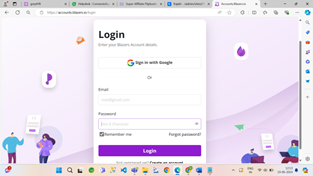
For Changing or Resetting Your Password, you can refer to this article: https://help.wpblazer.com/en/accounts-and-settings/how-to-manage-your-password
Finally, you have successfully logged into the portal.
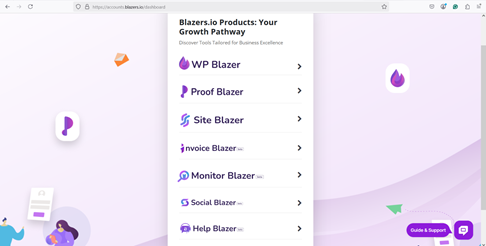
You need to select the Proof Blazer option for further processing.
